

Coach Game Lab / Free
Seconds Out
Win the round. Win on points.
Boxing rounds for your games. The team that plays your condition better takes the round 10–9, or 10–8 if they dominate — and every goal knocks a point off the other team. The app runs the clock, the rest and the scorecards.
One Lab sign-up · No download · Phone or tablet
From The Scoring Playbook
Judge the theme. Count the goals.
You're the judge — you score the thing you're coaching: pressing together, keeping the ball, switching play, whatever today is about. Goals still matter: each one takes a point off the other team's round. Win the round 10–9 but concede the only goal and it finishes 9–9.
Between rounds, teams go to their corners and talk it through. They hear the scorecard, work out why they lost the round, and come out for the next one with a plan.
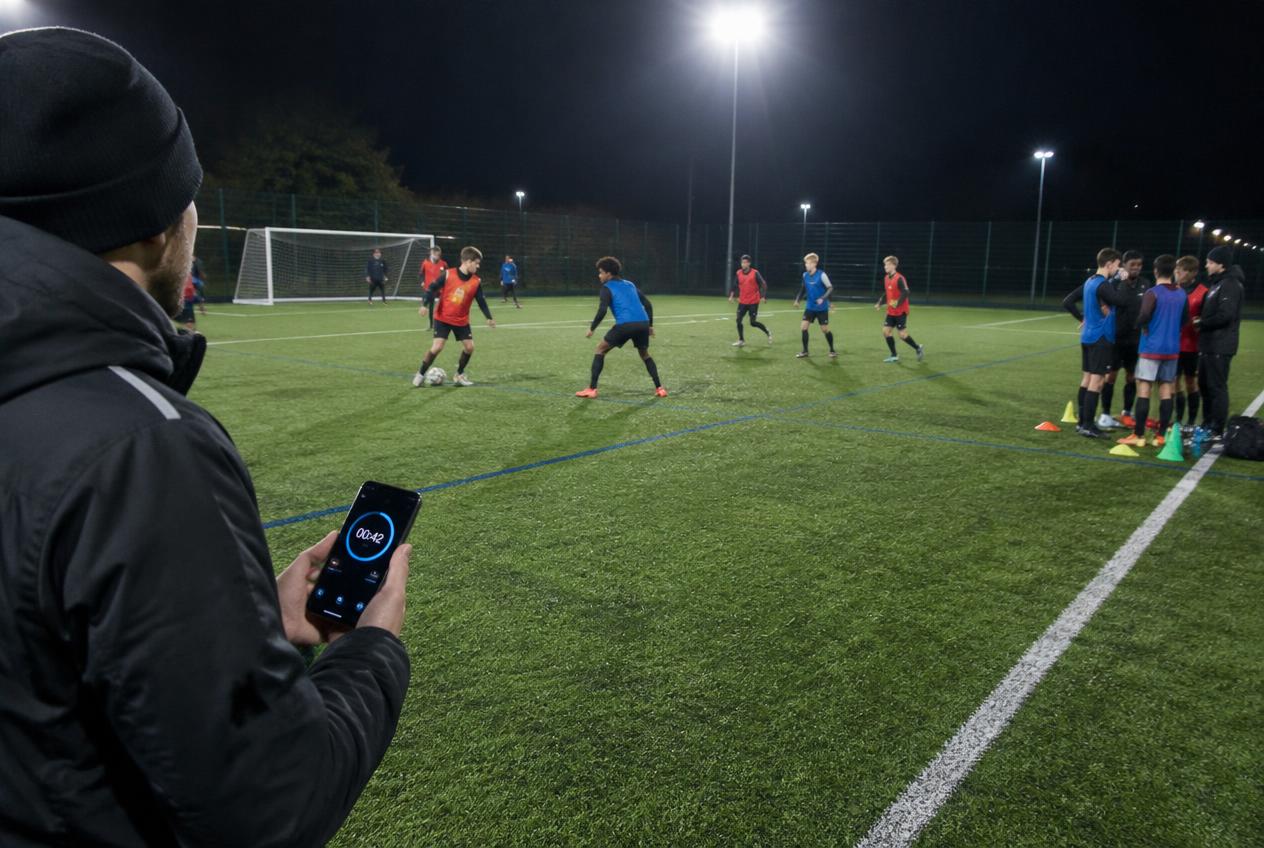
Ring the bell in seconds.
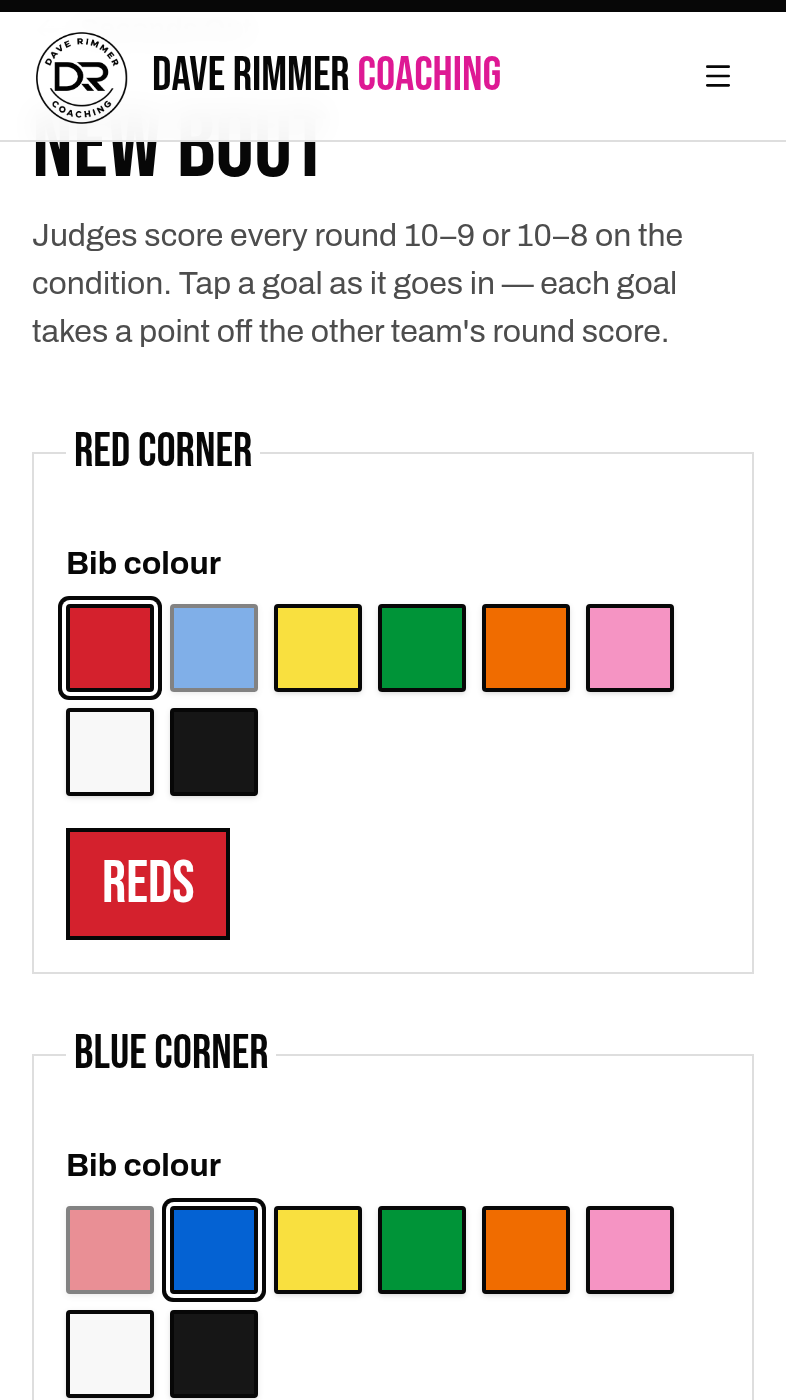
01 / Pick your corners
Choose two bib colours — each team is named after its bibs.
02 / Set the rounds
1 to 12 rounds, 1–5 minute rounds, and a rest for teams to get together and chat.
03 / Choose the condition
Pick one from the list — pressing, keeping the ball, switching play — or type your own.
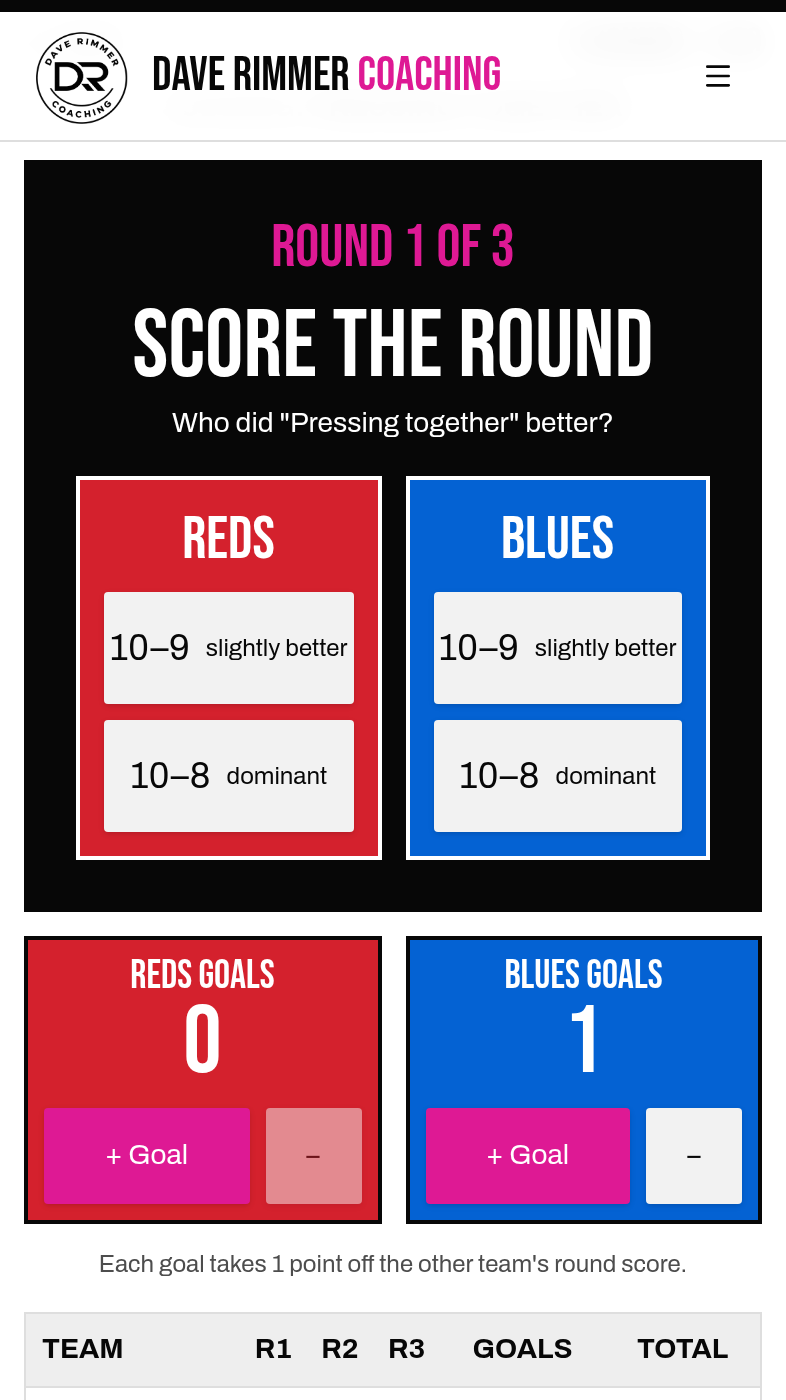
04 / Score every round
When the bell goes, tap 10–9 for slightly better or 10–8 for dominant. Tap each goal as it goes in — it takes a point off the other team. The totals add up for you.
Built for the touchline
You judge. It keeps the cards.
The bell
A beep starts and ends every round and every rest, with a big clock you can pause or end early.
Corner time
The rest is for teams to huddle, talk and fix it before the next round.
Undo a score
Tapped the wrong team? Undo it. Restart a bout without losing your settings.
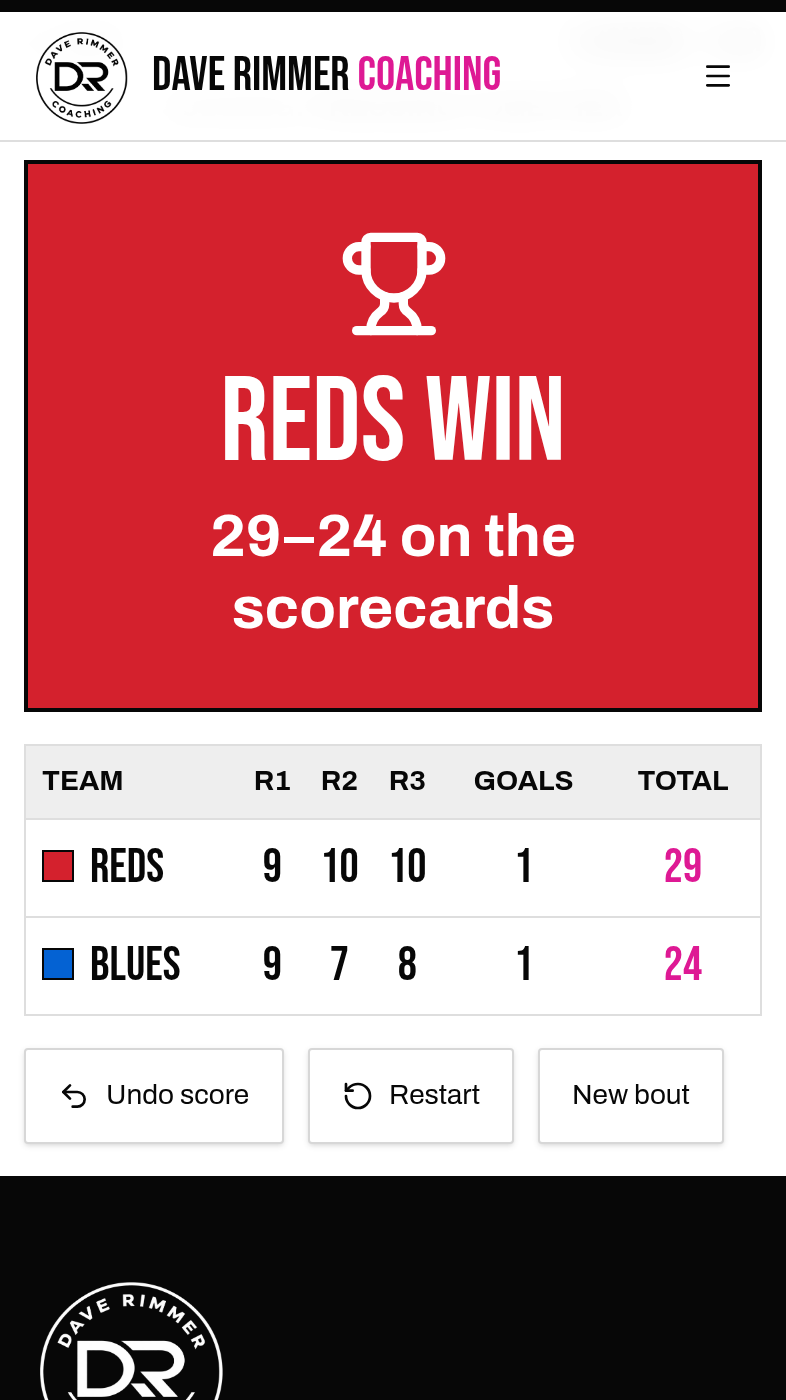
Points decision
After the final round, the totals and the winner's bib colour fill the screen.
Coaching tips
- Tell the teams the score after every round — and why. That's the coaching.
- Save 10–8 for a round where one team really owned the condition.
- Use a second coach as another judge, then compare cards for a unanimous or split decision.
Touchline photograph is an illustration; app images are real screens from the game.